Power on
Keep a compatible Bluetooth controller powered on and near your iPhone.
iFairery Glow · Lighting control for iPhone
Connect a compatible Bluetooth sign. Shape its colors, brightness, and effects from your iPhone to suit your space and your rhythm.
Get connectedFree app · iOS 17 or later · Compatible hardware required
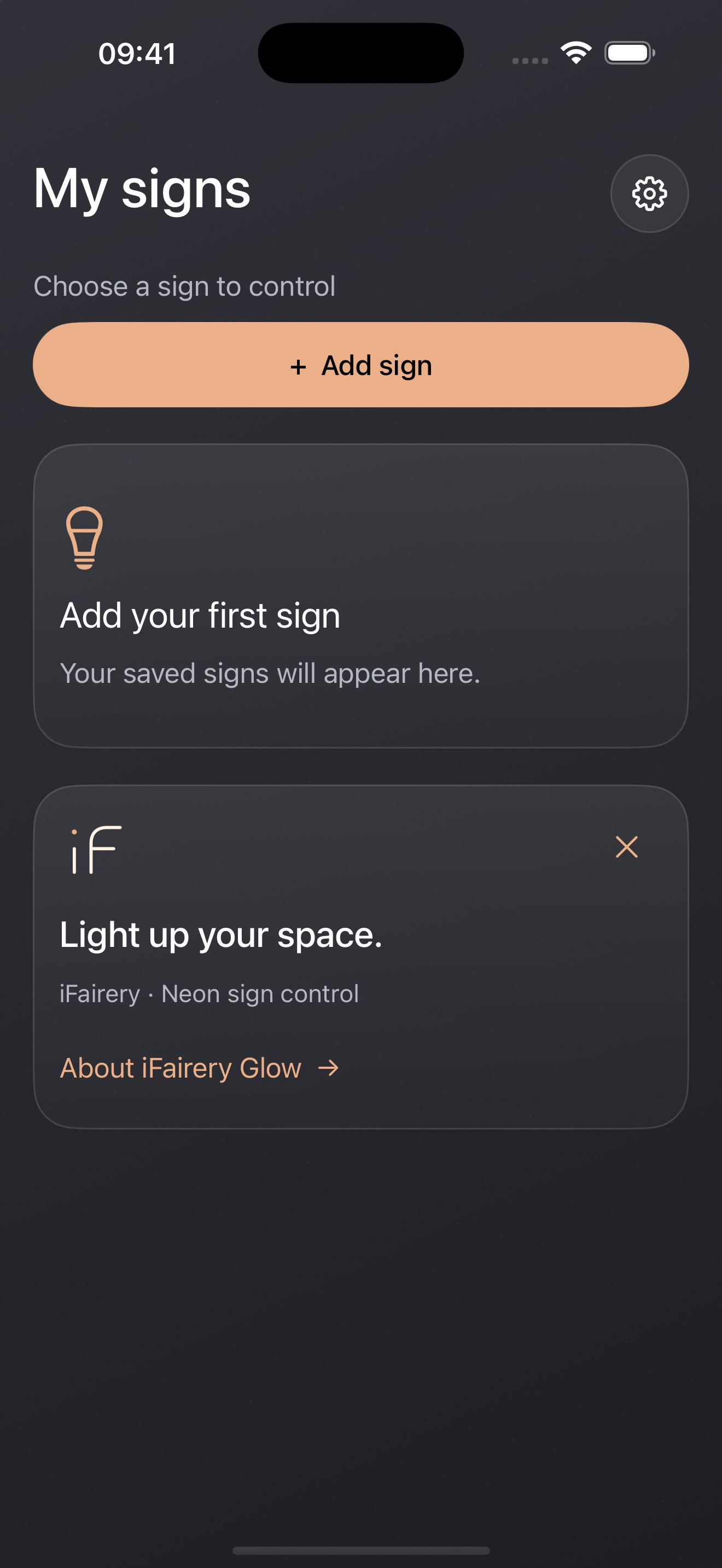
Interactive web demo · Connect compatible hardware in the app for lighting control
Light color
Lighting effect
Sound-reactive illustration
Import audio or use your iPhone microphone in the app to make the lighting react to sound levels.
Choose a lighting window
Demo window
Set times and repeat days under More in the app, then read back the controller settings to confirm.
Switch between the features above to explore the lighting.
Set up on your iPhone, then make the light part of your space.
Keep a compatible Bluetooth controller powered on and near your iPhone.
Open the app, allow Bluetooth access, then scan and connect.
Choose colors and effects, save your favorites, and set lighting schedules.
Choose from the color wheel, adjust brightness, and save favorite colors for quick access.
Browse, search, and save favorite effects. Adjust their speed to suit your display. Available effects depend on the controller.
React to imported audio or sound from your iPhone microphone. Schedule compatible controllers to switch on and off.
A compatible Bluetooth Low Energy lighting controller is required. The app supports English, Simplified Chinese, and German. No app account is needed. Our store is in preparation.